Christmas Photo Editor Santa Claus1.4
Publisher Description
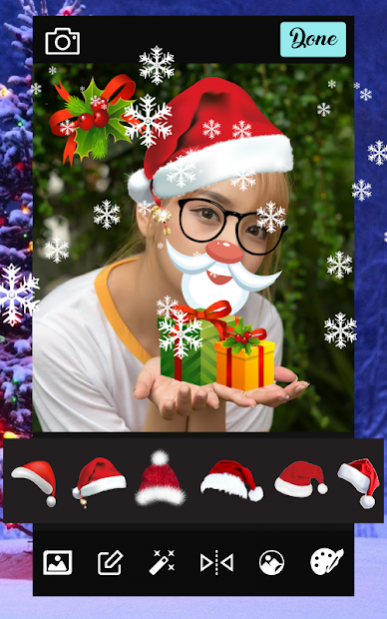
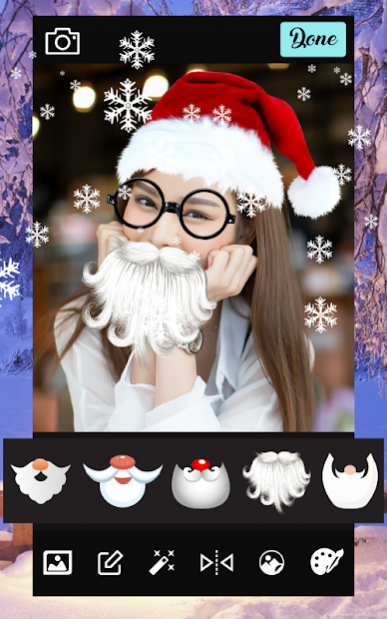
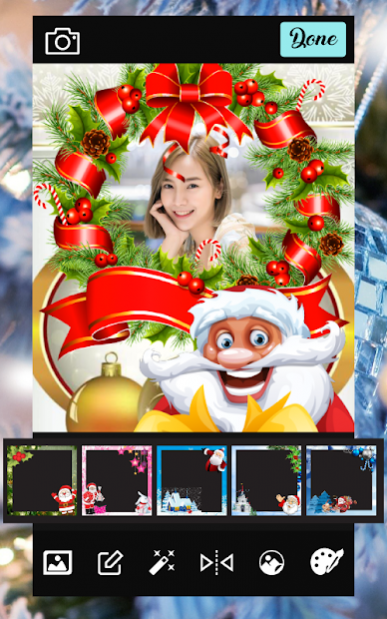
🎄💚🎄 Christmas Photo Editor, Stickers & Collage maker Photo montages and Christmas photo frames. Add Christmas borders to your photos very easily or create your own backgrounds for Christmas photos by choosing from the variety 🎄💚🎄
🎄💚🎄 Christmas Photo Frames Create awesome Christmas photo editor with Christmas Photo Editor Santa Claus We wish you a Merry Christmas, and a Happy New Year! Let's celebrate wonders of Christmas with “Christmas Photo Editor Santa Claus" !! 🎄💚🎄
🎄💚🎄 To create memories using Christmas Photo Editor Santa Claus you just need to do is just select your photography and frame that you like, to create with Christmas Photo Editor, Stickers & Collage maker in seconds a beautiful postcard to Christmas greetings. 🎄💚🎄
🎄💚🎄 In addition you can also send these Christmas assemblies Christmas Photo Editor, Stickers & Collage maker from Christmas Photo Editor, Stickers , Frames for photos, send online to to your friends. 🎄💚🎄
🎅 Select photos from gallery or capture new photo from camera.
🎅 Select Christmas frame from the collection
🎅 It's easy to find a Christmas photo frame to suit your screen and Christmas atmosphere.
🎅 Adjust photo on Christmas photo frame.
🎅 Add text or Name on Christmas photo frame
🎅 Create Christmas Greeting Card, Christmas Wallpaper easily
🎅 You can also Re-size the Name on frame Move with Fingertips.
About Christmas Photo Editor Santa Claus
The company that develops Christmas Photo Editor Santa Claus is Voodamdee. The latest version released by its developer is 1.4.
To install Christmas Photo Editor Santa Claus on your Android device, just click the green Continue To App button above to start the installation process. The app is listed on our website since 2021-05-27 and was downloaded 2 times. We have already checked if the download link is safe, however for your own protection we recommend that you scan the downloaded app with your antivirus. Your antivirus may detect the Christmas Photo Editor Santa Claus as malware as malware if the download link to com.Voodamdee.Photos.Camera.ChristmasPhotoEditorSantaClaus is broken.
How to install Christmas Photo Editor Santa Claus on your Android device:
- Click on the Continue To App button on our website. This will redirect you to Google Play.
- Once the Christmas Photo Editor Santa Claus is shown in the Google Play listing of your Android device, you can start its download and installation. Tap on the Install button located below the search bar and to the right of the app icon.
- A pop-up window with the permissions required by Christmas Photo Editor Santa Claus will be shown. Click on Accept to continue the process.
- Christmas Photo Editor Santa Claus will be downloaded onto your device, displaying a progress. Once the download completes, the installation will start and you'll get a notification after the installation is finished.
Program Details
System requirements
Download information
Pricing
Version History
version 1.4
posted on 2021-05-27
- Update Christmas Photo Editor Santa Claus App.
- Edit UI Christmas Photo Editor App.
